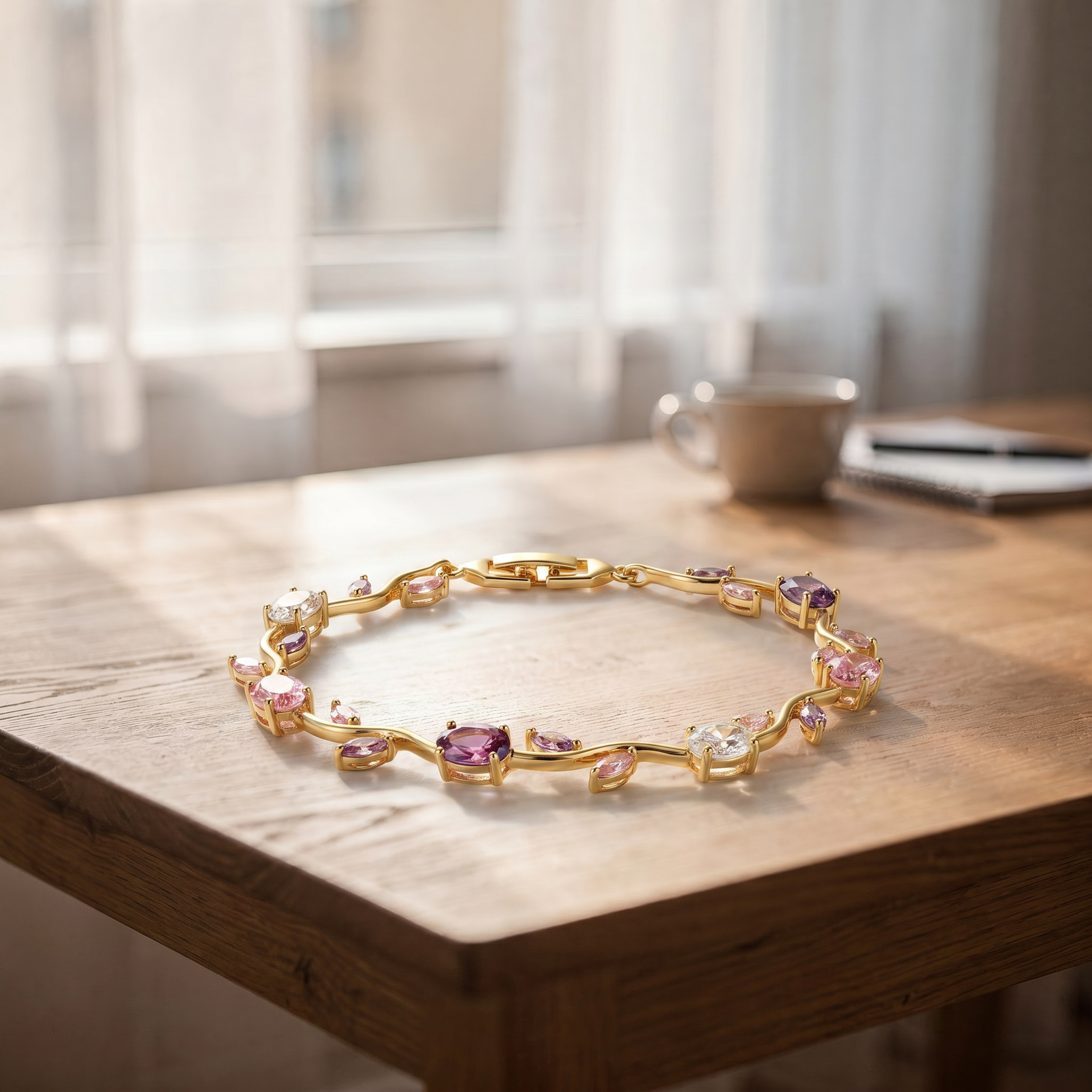
However well Dahwo works, the result starts with the photo you feed it. The AI re-stages your piece, but it preserves the detail it can see — so a prong that's blurry in your photo stays vague in the output. The good news: you don't need an expensive studio. With your phone and a few simple rules, you can capture a perfect input.
1. Sharp focus matters most
The most common problem is blur. Dahwo checks the sharpness of every upload and rejects frames that are too soft — because it can't bring back a detail that was never there. Hold the phone steady, brace it against a surface if you can, tap the screen to focus on the piece, and pause a moment after pressing the shutter. One crisp, still frame beats ten hurried ones.
2. Use soft, even light
A harsh spotlight leaves blown-out highlights on stones and hard shadows — both of which lead the AI to misread the piece. Soft, diffused, even light is best. Daylight from a window (not direct sun) is ideal for most pieces. Make sure you can see every surface of the metal and every stone — a detail you can't see, the AI can't see either.
3. Keep the resolution up
Very small photos are rejected; the piece's shortest side should be at least 600 pixels. In practice any modern phone camera clears this easily — as long as you don't over-crop or shoot from far away and then zoom in.
4. Choose a plain background
A busy, patterned, or cluttered background blurs the edges of the piece. Use a flat, single-color surface — white, cream, or dark velvet all work well. The goal is a clear boundary between where the piece ends and the background begins.
5. Fill the frame with the piece
Let the piece occupy most of the frame. In a photo shot from far away, the detail is squeezed into a few pixels and the AI has less to work with. Get close, but keep the whole piece comfortably inside the frame — don't clip the edges.
Tips by category
Each type of jewelry has an angle where it reads best:
- Ring: Shoot straight on, with the band's opening facing the camera. The stone and setting read best this way.
- Earring: Shoot the earring hanging or upright, straight on. If you're selling a pair, you can show both together.
- Necklace: Shoot the pendant straight on and flat. If size is involved, remember: the measurement is the pendant's, not the chain's.
- Bracelet: Shoot it clasped and laid flat, with the links spread out rather than overlapping.
In short: sharp, well-lit, on a plain background, filling the frame. Nail those four things and Dahwo has the best possible material to work with — you can leave the rest to the tools.