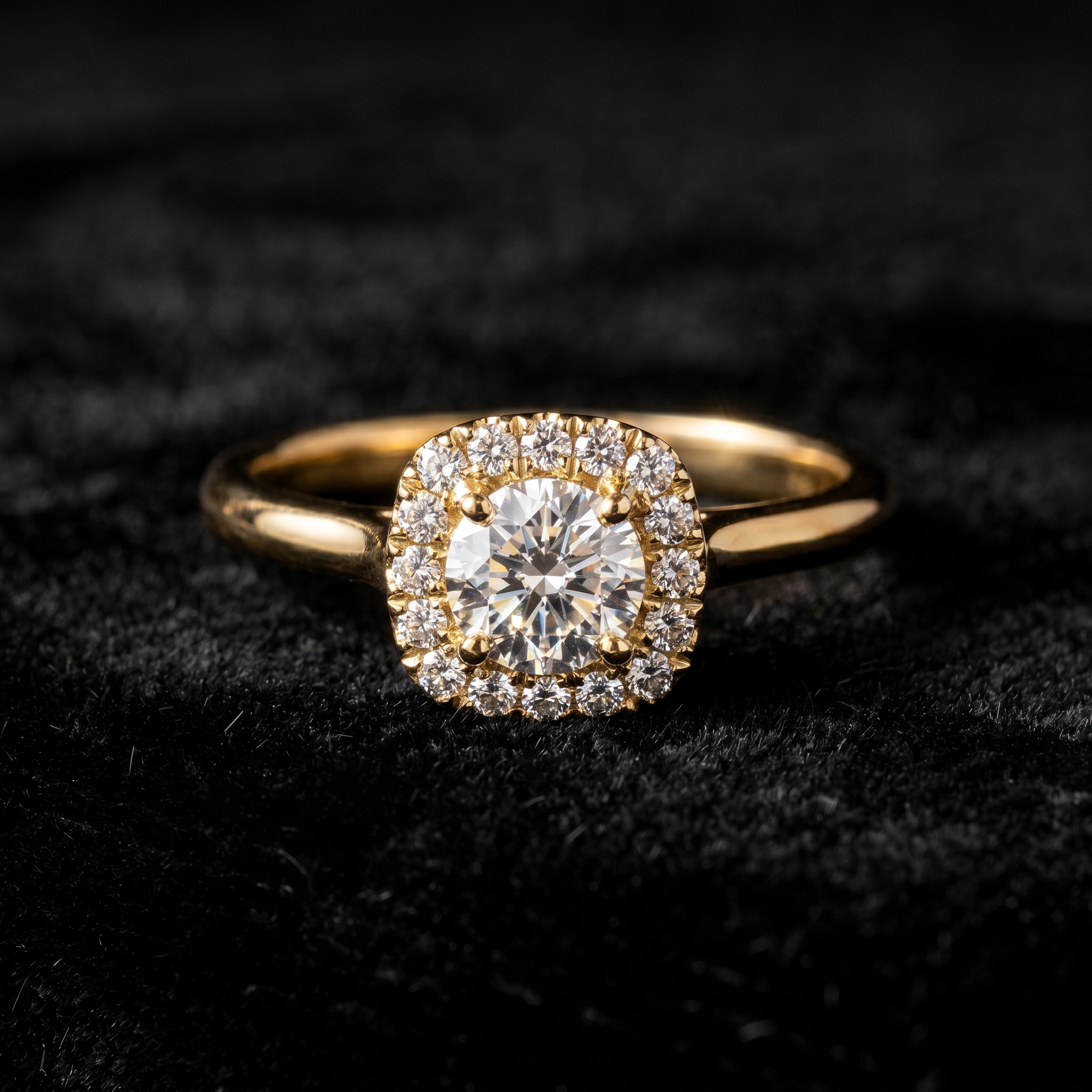
We've rebuilt Dahwo from the ground up. The new interface is live today — and it's far more than a coat of paint. We revisited every screen to make a jeweler's daily workflow faster, clearer, and less tiring.
A daylight atelier
Our new design language has two faces. Working surfaces are now light: warm bone and porcelain tones, easy-to-read dark ink, and gold used sparingly — only as metal, in hairline rules, key numerals, and icon accents. It's the calm, trustworthy register a jeweler recognizes.
Every generated image, meanwhile, sits on a clean, pure-white presentation surface. Result panels, candidate galleries, video players, the 3D viewer, before/after comparisons — all of them are displayed like pieces on a gallery mat: a plain white ground with a fine frame. Attention always stays in exactly one place: on your piece.
Now in two languages
Dahwo now runs fully in Turkish and English. Turkish stays the default and keeps every existing URL unchanged; the English version lives under /en. Every corner of the interface — menus, tool screens, error messages, help text — was written to read natively in both languages, none of it machine-translated. Your language choice never affects output quality: the same engine, the same result, in either language.
Every tool, one catalog
At the heart of the dashboard is now a single tool catalog. The sidebar and the Tools page draw from the same list, so you see where every tool lives at a glance instead of memorizing it. Cards grouped by output kind — Photo, Video, 3D, Text — make it clear what each tool produces.
Studio Photo, Virtual Try-On, and Jewelry Video remain as the core tools. Four newer ones join them: Batch Catalog, True-Size Card, Jewelry Stack, and 3D Model. Some of these roll out gradually; we'll walk through each of them in a dedicated post soon.
Faster orientation
When the new dashboard opens, it greets you with your credit balance. Right below it sit your recent works: the last six images you generated, at a glance. Step away and come back, and you no longer have to hunt for where you left off. Your most-used tools are also surfaced in quick access, ordered by how often you reach for them.
The one thing that didn't change: fidelity
The look changed; the principle didn't. Dahwo re-stages your piece — it never redesigns it. Every chain link, every prong, every stone, every metal color is preserved exactly as it is. The new interface was built to make that promise even more visible, because for a jeweler a beautiful image that isn't true is worth nothing.
Open the dashboard and try the new layout. We'd love your feedback.